boxshot of Boxoft PDF to Flipbook
(Current version 3.0)

Boxoft PDF to Flipbook

BUY NOW
DownLoad
Tutorial
($99)
(Free Trial)
(View Online)
Why Us?FeaturesScreenshotsHow it work

1. Build Realistic eBooks

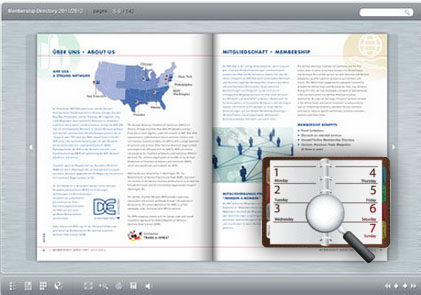
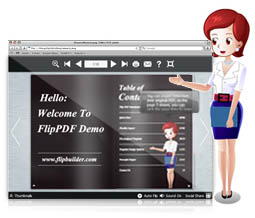
In old days, a flip book is a book with a series of pictures that vary gradually from one page to the next, so that when the pages are turned rapidly, the pictures appear to animate by simulating motion or some other change. Now, Boxoft PDF to Flipbook will help you to add the realistic page-flipping effect to your eBooks.

2. Powerful PDF Converter

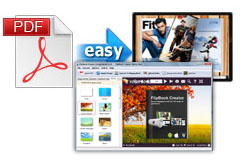
Boxoft PDF to Flipbook is a powerful converter to convert PDF files to page-flipping eBooks. The tool will reserve all PDF text and image content, links and bookmarks. Besides, you can also add watermarks and security passwords for output flipbooks, and output with multiple format choices: HTML, EXE, ZIP and Burn to CD. You can also create a mobile version which allows you to play it on iPad, iPhone and Android mobile devices. If you want an entity version, you can also burn your flip book to CDs. Everything is quite easier for you!

3. Customize Your Style eBooks

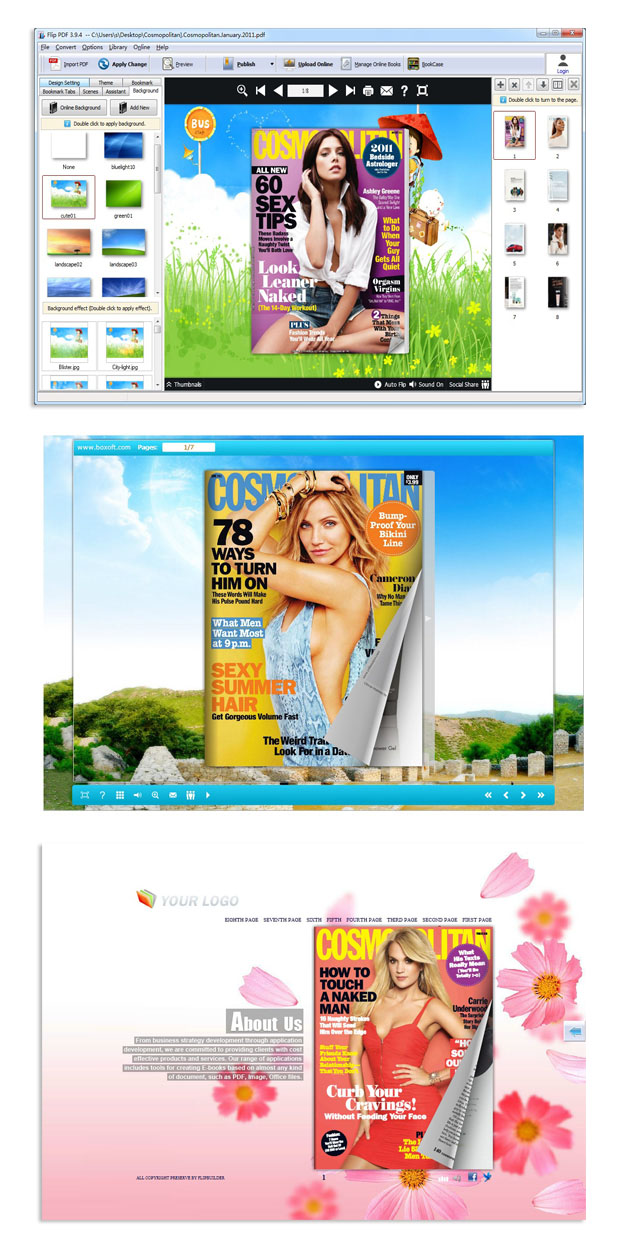
With using Boxoft PDF to FlipBook, you can totally control the output eBook types with your imagination. You can define the book content, you can choose background image from your own computer, you can insert your favorite music, and you can even change the flash language into your native language with ease. Just throw your creativity into the powerful tool.

4.Colorful and diversified templates and themes

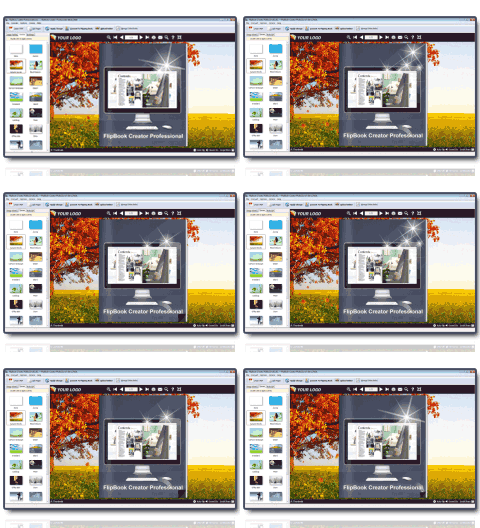
Boxoft PDF to Flipbook provides you with four different kinds of colorful and diversified templates: Classical, Float, Neat and Spread. You can also get more free online templates from our website. Every day we will update different kinds of themes so that you can download free themes from our website. What’s more, if you do not like the template or themes, you can remove them manually according to your needs.

5.Upload, manage and share flip book online

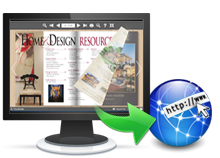
Boxoft PDF to Flipbook offers you an easier and convenient way to upload your flip book online and manage them online. With this powerful function, you can share your flip book online with your friends and the public easily.

6. Free upgrade forever

All products are free to upgrade, once you purchased the software, you can use it forever. We keep the right to raise price for later versions, but you do not need pay one cent for upgrading.

7. 30 Day Money Back Guarantee

We believe our software is an exceptional value, and we work very hard to make sure that is true. If you are dissatisfied with our service for any reason, you will receive a full refund. Just request a refund by emailing us at the contact page.

Basic features

  • 1.Adobe Reader or Acrobat is not required
  • 2.Affordable and lower price
  • 3.Easy operation with detailed manual
  • 4.Support most of Window Operation Systems: Win XP, Vista, Win7 etc

Importing PDF files

  • 1.Custom pages range to import PDF files
  • 2.Define page quality and size to import PDF files
  • 3.Place a custom text or image watermark to stamp on the page of flipping book
  • 4.Import bookmark and links to flip book
  • 5.Enable to search in flip book
  • 6.Detect wide pages

Outputting flipping book

  • 1.Output flip book in four formats: Html, App, Exe, Zip
  • 2.Make a mobile version of flip book
  • 3.Burn flip book to CDs
  • 4.Set to autoflip your flip book
  • 5.Define a language for your flip book
  • 6.Enable to print flip book
  • 7.Enable to download flip book

Personal settings to create a wonderful flip book

  • 1.Insert Book Logo and Logo URL
  • 2.Add button to support full screen
  • 3.Add help button to make your operation more easier
  • 4.Zoom pages of flip book in or out
  • 5.Set the page thickness
  • 6.Change the flip book position
  • 7.Whether to show the corner flip effect of flip book or not
  • 8. Show Mouse Tracing Effect
  • 9.Define the color of Tool Bar and Thumbnail background
  • 10.Custom Book Proportions (Page Width and Height)
  • 11.Change the flipping cover to hard cover
  • 12.Define page number of flip book (Two types)
  • 13.Allow to use minime style
  • 14.Set permission for others to print and download
  • 15.Support to autoplay flip book
  • 16. Support to read flip book in single page mode
  • 17.Save project for later editing
  • 18. Change flipping cover to hard cover
  • 19.Edit bookmark manually by yourself
  • 20.Share your flip book URL with others
  • 21.Set security for the flip book
  • 22.Adjust the minimum and maximum zoom width
  • 23. Change the search highlight color
  • 24.Enable to switch language
  • 25.Set flipping time for your flip book
Boxoft PDF to Flipbook Screenshots
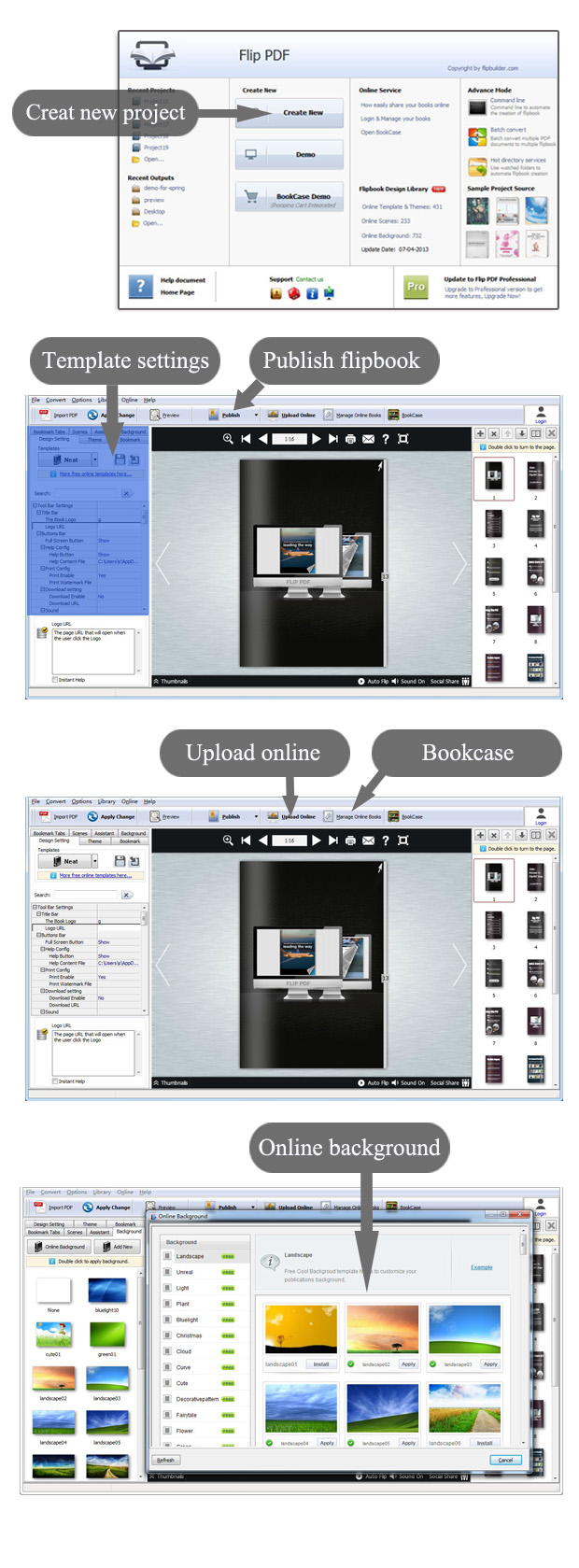
 Step of Boxoft PDF to Flipbook
Video Tutorial
Discount information
3d Page Flip
Product Info
Upgrade Policy - FREE!
All products are free to upgrade. Just download the latest version at the web page, your license code will be available forever!
Refund Policy
We want you to be 100% satisfied, so we offer an unconditional 30 Day Money Back Guarantee.
refund policy - 30 days money back guarantee
Copyright©2010 Boxoft Co., Ltd. All rights reserved.